PUBLIC SECTOR PROCUREMENT & OPERATIONAL SUPPORT
UEI# PCRESVLRY7K6

What We Do / Technology Procurement
Technology,
Computers &
Software.
Equip the work ahead.
Bring hardware and software purchasing into one clear plan. CGG helps agencies, schools, healthcare organizations, nonprofits and businesses source workplace technology.
CGG sources and supplies computers, IT equipment and software, and coordinates installation or technical services through qualified third-party providers. CGG supports projects through procurement, project management and operational coordination.
Have a specifications list? Start a conversation with our team.
Setting You Up For Operational Success!
Explore your technology options
Manufacturers & Technology Brands
Have a preferred manufacturer or product line? Include it with your requirements so we can focus the sourcing conversation.
- i-PRO
- Hanwha Vision
- Digital Watchdog
- IQSight
- Eaton
- Tripp Lite
- Extreme Networks
- HP
- Lenovo
- Microsoft Surface
- ZAGG
- Logitech
- Dell Technologies
- Quicken
- Scrible
Distributors
- Jenne
- Ingram Micro
- TD SYNNEX
- D&H Distributing
Build a complete technology purchase
Hardware & Software Procurement
A new workstation, a department refresh or a larger equipment purchase starts with clear requirements. Connect the device, its accessories and the software it needs in one organized brief.
Computers & LaptopsNAICS 423430
Source computers and laptops for your workforce. Begin with the applications, performance needs and working patterns of the people who will use them.
Workplace Technology
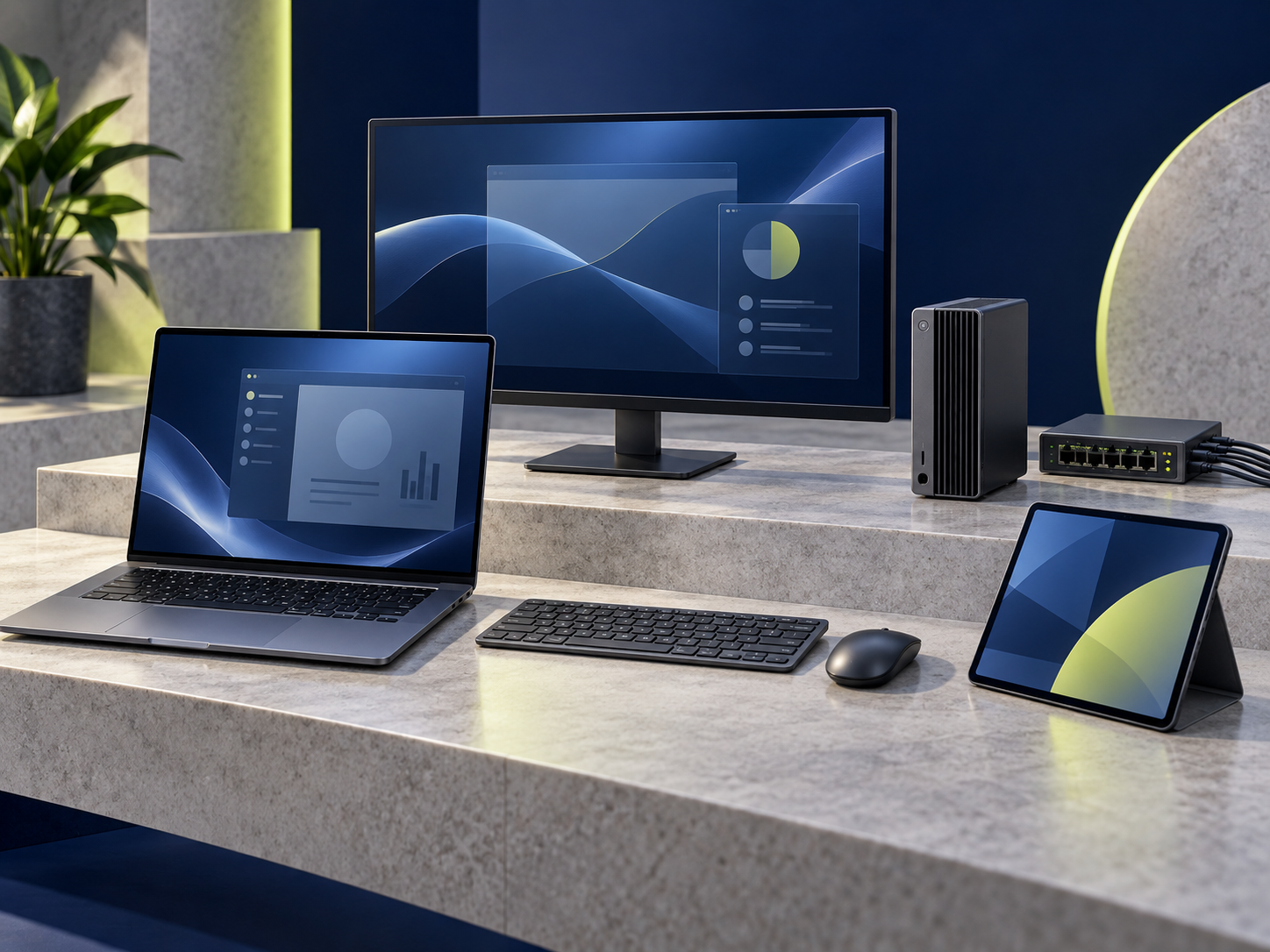
Explore monitors, peripherals, networking equipment and accessories. Document connections and existing equipment before building a compatible purchasing shortlist.
Software & LicensingNAICS 423430
Bring software and licensing into the purchase plan. Specify the product, edition, user count and license term you need to review.
From requirements to a purchasing plan
Clear Requirements.
Better Purchasing Decisions.
CGG’s procurement support connects sourcing with inventory planning, budget considerations and requested timing. Start with the details that make options easier to compare.
Three steps to prepare your brief
01 / Define the Work
List the users, locations, essential applications and technical specifications. Separate required features from preferences.
02 / Review What You Have
Identify equipment to keep, replace or add. Record existing devices and connections, plus any renewal dates or license requirements.
03 / Set the Purchasing Priorities
Share quantities, budget parameters, delivery locations and requested dates. Flag approval steps and phased purchases at the outset.
Think beyond the device
Make Your Next Technology Refresh Count
Compare the complete purchase: equipment, accessories and licensing requirements.
A lower device price may not tell the whole story. Note the items needed for each workstation, check compatibility and confirm product availability and lead times before committing.
Practical answers
Technology Procurement FAQs
What technology products can CGG help procure?
CGG sources computers, laptops, monitors, peripherals, networking equipment, software, licensing and accessories. Share a product list or requirements brief to start the conversation.
What should I include in a technology procurement request?
Include intended use, required specifications, quantities, preferred products, budget parameters, delivery locations and requested timing. Add any purchasing approvals or documentation requirements.
What information is useful for software licensing purchases?
Prepare the product name and edition, number of users or devices, desired term and any existing subscription or renewal information. Confirm licensing suitability and terms before purchasing.
How can we prepare for an equipment refresh?
Start with an inventory of equipment you plan to keep or replace. Record user needs, current connections and software requirements, then organize purchases by priority and requested date.
Where can I shop for technology products?
Use the Shop Technology button to open the CGG online shop. For a defined equipment list or purchasing requirements that need discussion, choose Talk to an Expert.
The next step starts here
Let’s equip
your next move.
Tell us what you need to purchase, who will use it and when it needs to arrive. Let’s bring your technology requirements into focus.
Prefer a conversation?
- Call Toll Free: (888) 728-1297
- Additional: (888) 728-1294
- Local: (215) 703-7042
- Fax: (267) 574-0230
- Email: info@ceciliaglobalgroup.com
Setting You Up for Operational Success!
Tell us about your needs.
Fields marked * are required.